your all in one daily planner focus timer habit tracker task manager schedule maker daily planner
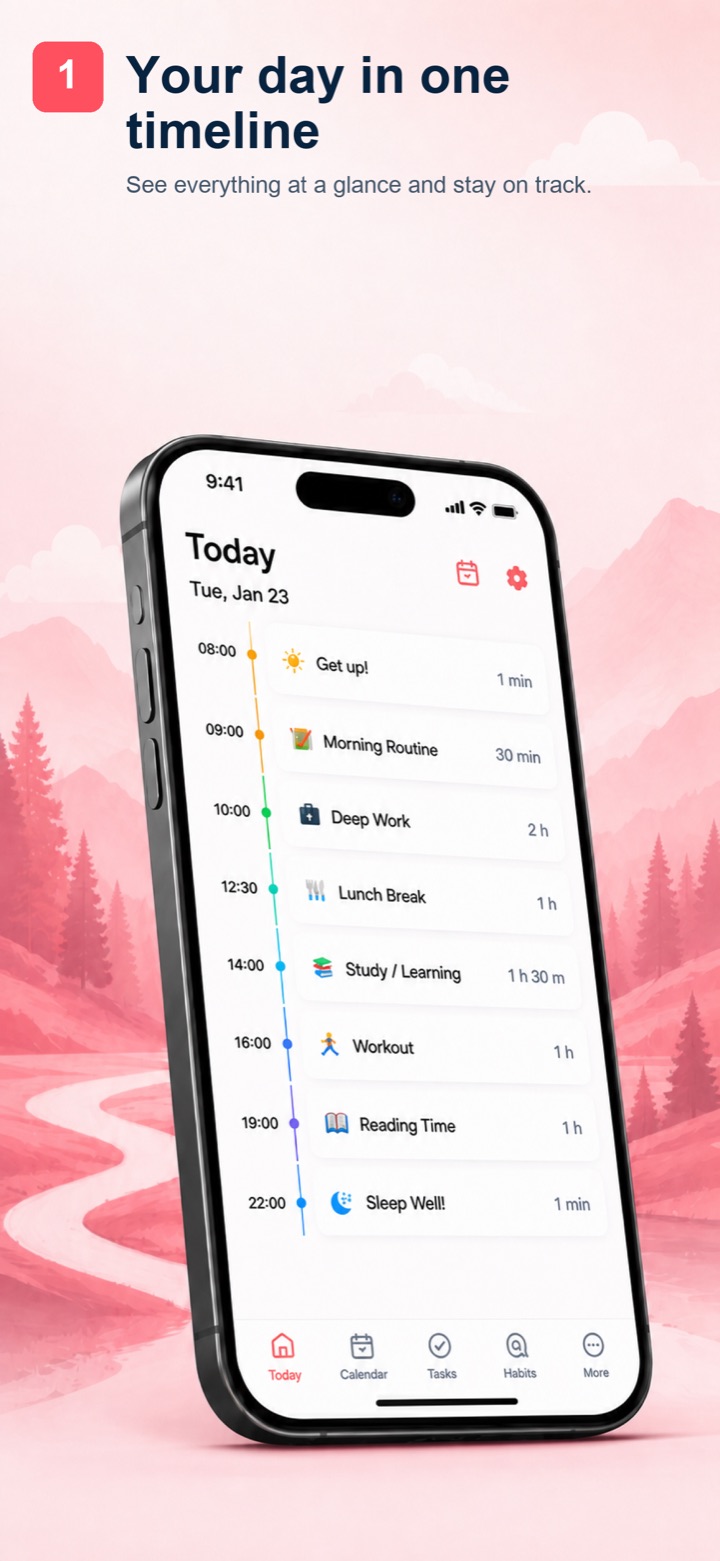
Todo Planner combines all your tasks, calendar events, and focus sessions in one beautifully designed timeline.
the daily planner app everyone is using
see your entire day on a
visual daily timeline
See your entire day at a glance with a visual daily timeline. Map tasks from morning to night on an intuitive schedule that keeps you focused, organized, and on track — the perfect daily routine planner.
stay focused with the
pomodoro focus timer
Built-in Pomodoro timer to boost deep work and study sessions. Customize focus intervals and breaks to match your personal workflow — ideal for students and professionals.
check your schedule with
home screen widgets
Check your daily schedule and progress without opening the app. Beautiful checklist widgets show your tasks, deadlines, and weekly stats right on your iPhone home screen.
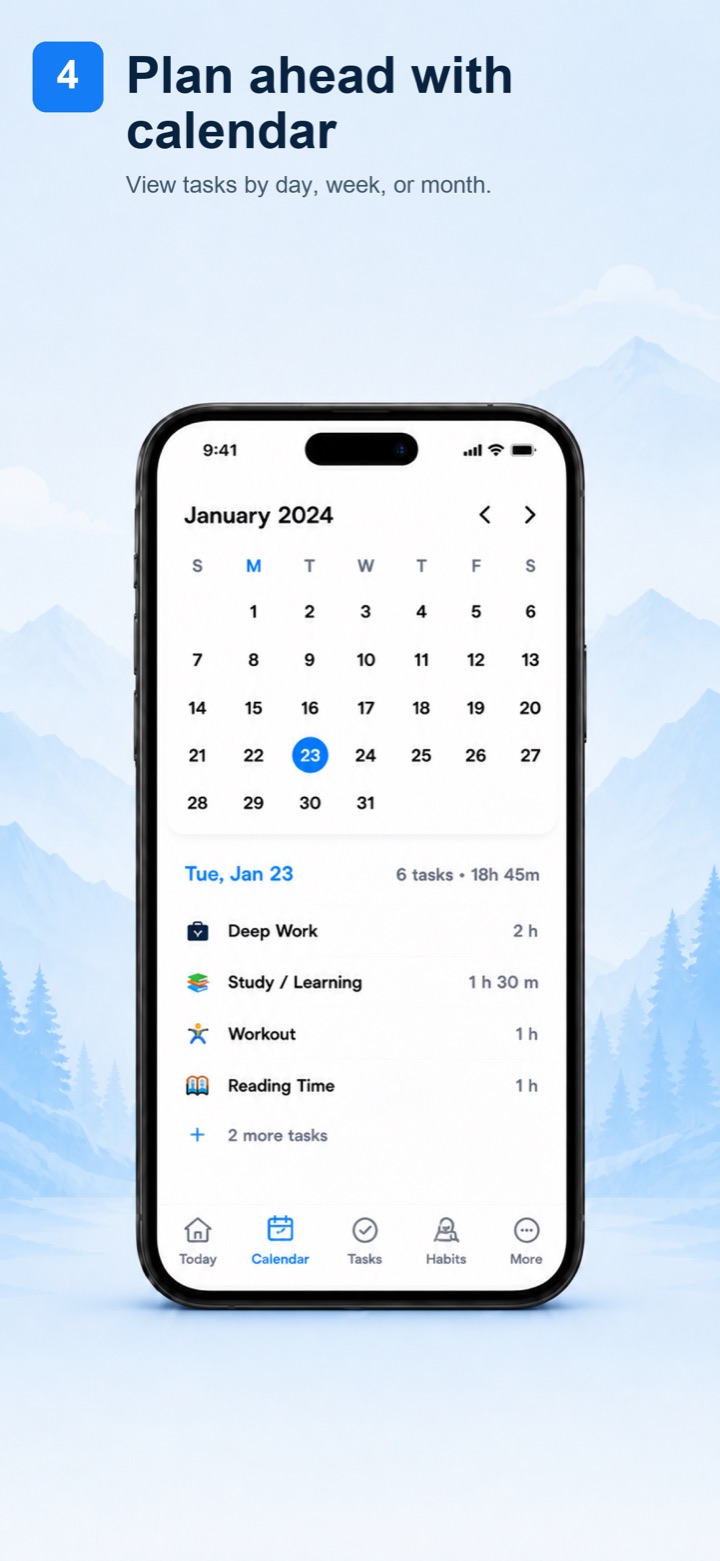
plan ahead with
smart calendar & schedule
Plan ahead with daily, weekly, and monthly calendar views. See upcoming deadlines, organize your work schedule, and never miss an important task again.
build better habits with
streak tracking & insights
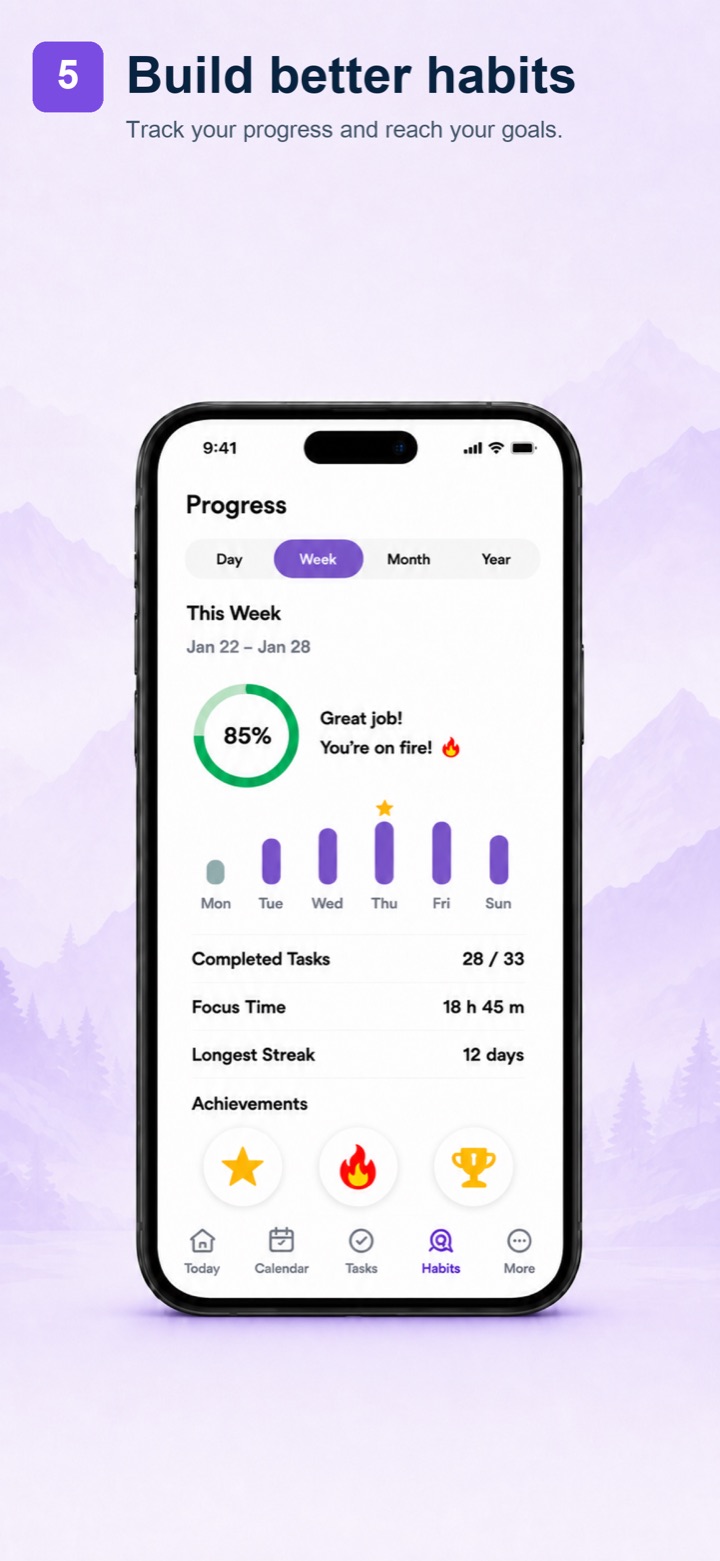
Build better habits with streak tracking, weekly completion charts, and achievement badges. Understand your patterns as a goal tracker and grow over time.
one planner, one timeline, build better habits
beautiful design.
powerful simplicity.
Every screen is crafted to help you plan faster, focus better, and achieve more.
Daily Timeline
Quick Task Creation
Stay Focused
Calendar View
Habit Tracking
how it works
get started in
seconds
-
1
Download Free
Get Todo Planner from the App Store. It's free, with no account required.
-
2
Add Your Tasks
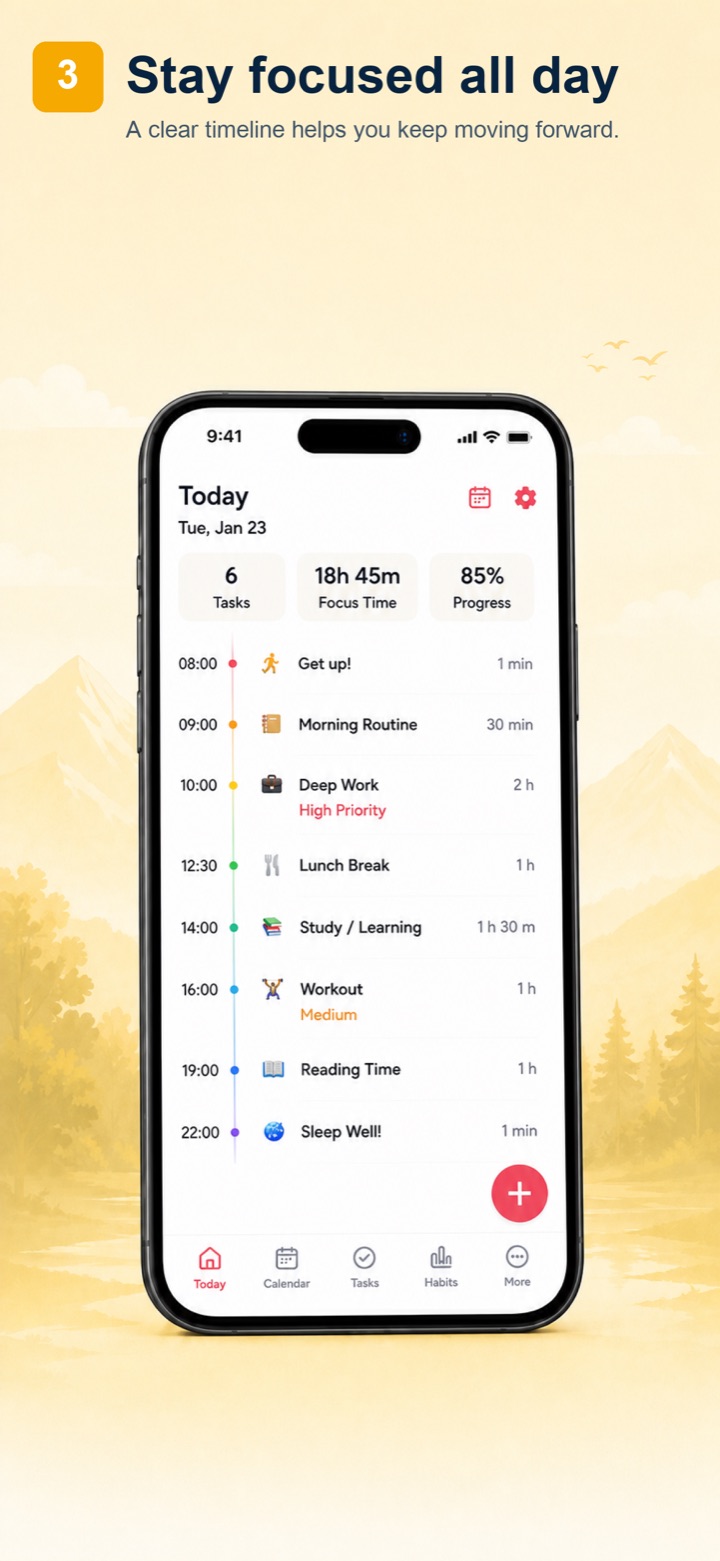
Create tasks in seconds with smart defaults for time, duration, and recurrence.
-
3
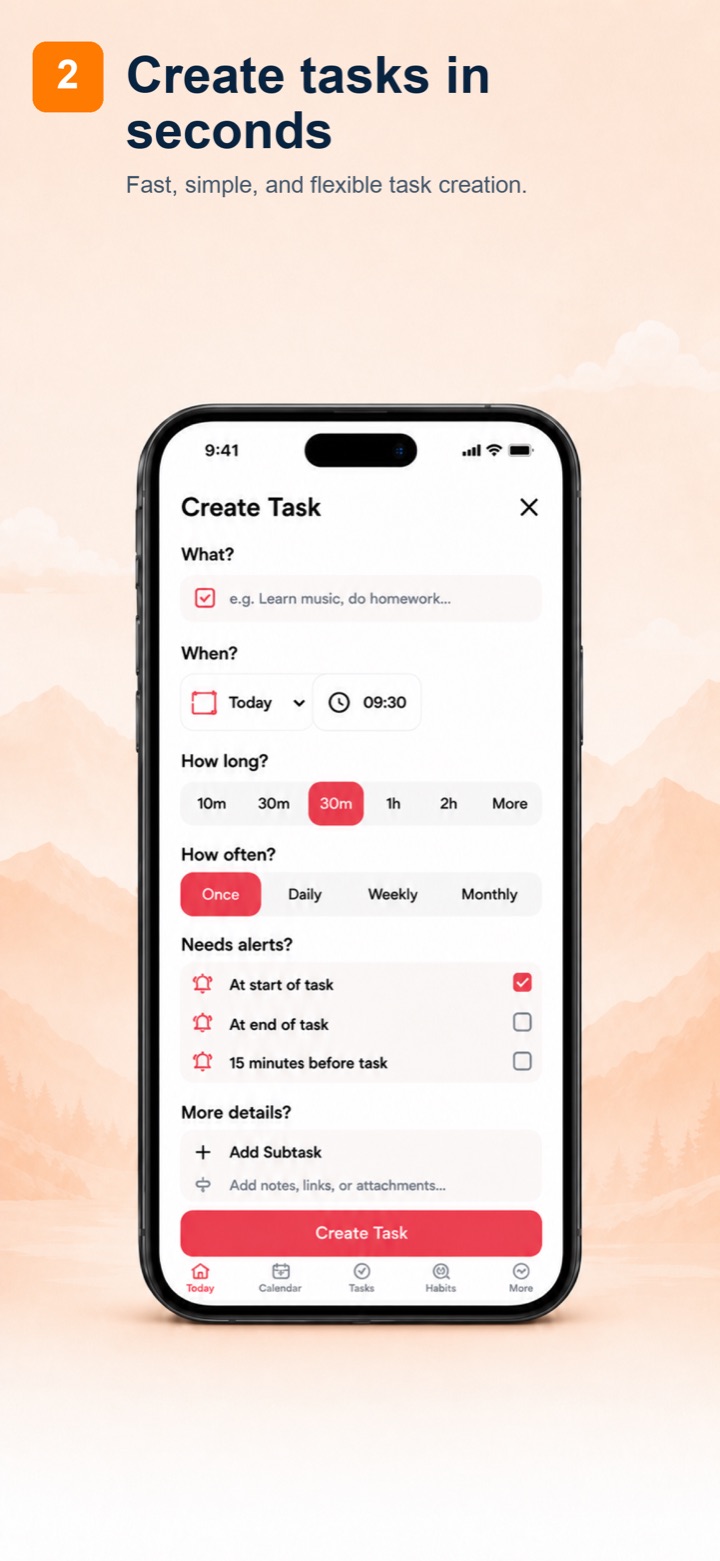
Follow Your Timeline
See your day unfold on a visual timeline. Focus Mode helps you stay on track.
-
4
Build Habits
Track your progress over time. Build streaks, earn achievements, and grow.
what people are
saying
"This is the best planner app I've ever used. The visual timeline makes it so easy to see my entire day at a glance. I love that it works offline!"
"The Pomodoro timer is a game changer for my study sessions. Combined with the habit tracker, it's helped me build a consistent daily routine."
"I love how simple and beautiful it is. No clutter, no account needed. Just add your tasks and go. The widgets on my home screen are gorgeous!"
frequently
asked
questions
Focus Mode lets you work in customizable intervals followed by short breaks, giving each session a clear beginning and end.
Yes! You can set tasks to repeat daily, weekly, monthly, or on a custom schedule. The built-in habit tracking feature shows your completion streaks, weekly progress charts, and achievement badges.
Yes! Todo Planner offers beautiful home screen widgets for iPhone and iPad. You can see your daily schedule, upcoming tasks, and weekly progress at a glance — right from your home screen.
start planning your
best day yet
Download the best free daily planner app for iPhone. Plan smarter, focus deeper, and build better habits.
